
Webflow Source: what it actually changes for builders
A 60‑minute roundtable on Source, campaigns, releases, agentic workflows and the visual polish you still get in the designer.
“Agents are doing 80% of the work for me,” Corey said — and that’s the tension at the heart of Source: how much of a site do you let an agent build, and how much do you keep for the last‑mile human touch?
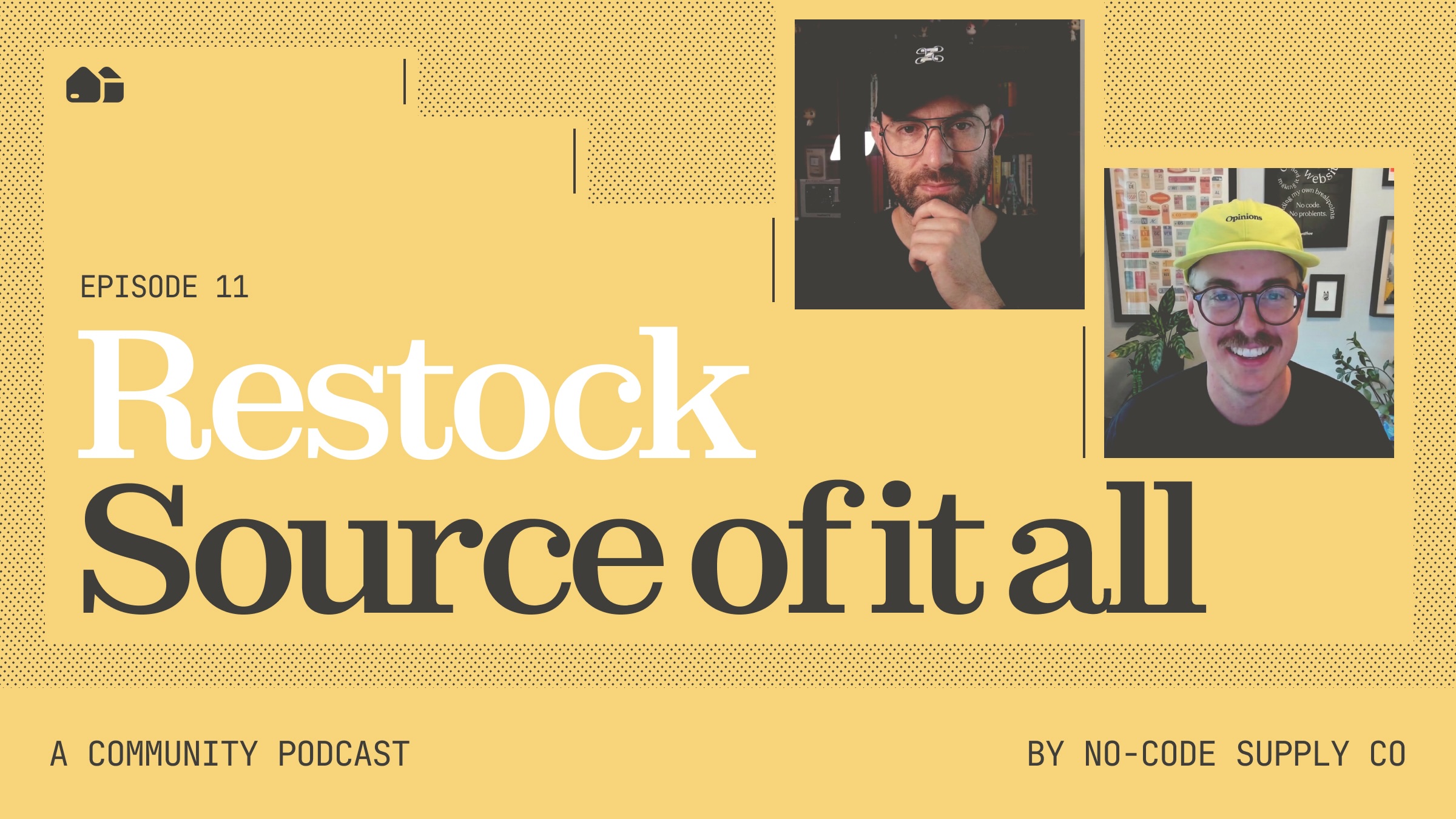
Watch Ep. 11 | Source of it all →
Source is a shared workspace for code, designers, and marketers
Source isn’t a replacement for Webflow Classic. It sits alongside Classic and exposes a code‑first workspace that still preserves the visual editing and style panel you know. You can open a local Astro or Next.js project, work with agents (Webflow or custom), and work from a single place that mixes your marketing stack, analytics, and content.
Concrete wins mentioned in the conversation:
Developers work directly on code while designers and marketers get tailored views.
Agents, subagents and skills become first‑class collaborators inside the multiplayer sessions.
Brand and style guides are auto‑extracted from an existing site so teams don’t start from scratch.
Releases and campaigns change how teams launch
Think of releases as site branching: you can branch an entire site to stage design system changes, CMS updates, or a full rebrand, then merge or publish when ready. That fixes the familiar problem where one person’s staged blog post gets overwritten by another’s full publish.
Campaigns is a standalone marketer product: build one‑off campaign sites, generate briefs, and publish without moving your corporate dot‑com. Campaigns plugs into a new assets product (image + video editing and AI generation from the Videoso acquisition) and the releases workflow, so a campaign can include pages, social assets, and media governed from one place.
Ollie’s concrete test case: use a release to work on a rebrand without freezing the whole site or risking accidental publishes. The team sees releases as useful from one‑post staging up to multi‑week brand overhauls.
Agents, instructions, and the new MCP surface
Several features make agents operationally useful:
Agent presence: see where agents (and people) are in the realtime workspace.
Agentic instructions: generate and edit assistant instructions from your site, then push them into the MCP so agents follow your style, tone and variable bindings.
Agentic translation: continuous machine translation that updates locales automatically while respecting glossaries and localized tone controls.
A practical example: enable continuous translation with a brand glossary so marketing edits in English don’t leak inconsistent phrasing into 20 locales. The panel flagged one open question; whether agentic instructions themselves are applied to locale translations. The core value was clear: fewer manual export/import cycles and better control over branded terms.
Component tooling: CMS, slots, style props, and performance
Small but concrete changes for everyday builds:
Components in rich text — drop a button or a component into a blog body without embeds. The team expects this to reduce editor friction.
Default components for slots + slot restrictions + component visibility controls — marketers will see sensible defaults and only the components you allow them to use, which saves time and prevents misuse.
Style props for components — finer‑grained style dials for marketers (not just broad variants). Think of them as UI controls for particular style attributes rather than forcing every change into a variant.
Corey and others emphasized that these features need to be performant. The platform team pushed a slate of performance updates because large projects with many components were getting slow; several people reported noticeable recent speed improvements in big projects.
Interaction, animation, and headless workflows
MCP 2.1 brings deeper interactions: agents can generate GSAP animations and you can fine‑tune them in the designer timeline. Bindings now include variables, CMS collections and pages, so generated content and interactions can connect directly to live data.
Webflow Cloud and better CMS querying reduce reliance on the CLI, and the headless MCP removes the old bridge app. That means more flexible stacks (Astro, React, whatever) can be mixed with Webflow’s governance and agent tooling.
The practical balance: agentic majority, human polish
The clearest theme across the hour was balance. Everyone agreed agents can do the heavy lifting from content drafts, initial layouts, and translations but humans still own taste and polish. Corey’s example: agents now handle the bulk, but he still wants to nudge margins, swap a font class, or tune the final interaction right in the visual editor.
That’s why Source matters: it aims to let agents do 70–80% of work while preserving the visual editing surface for the 10–20% of finish work that defines craft.
“This allows us to have the agent build, and still do the last‑mile polish visually,” Corey said.
The team also kept returning to governance: releases, slot restrictions, and default components together are where organizations buy back safety while letting non‑technical people ship more quickly.
Watch Ep. 11 | Source of it all →